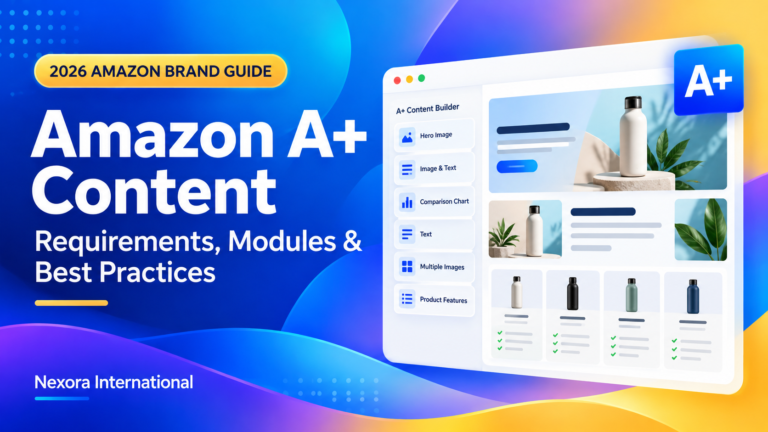

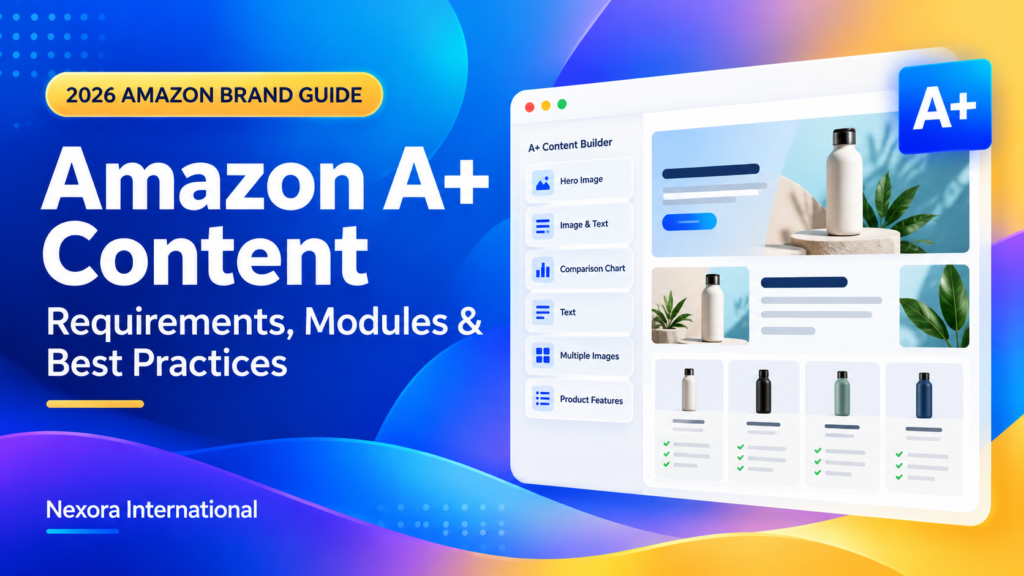
AMAZON BRAND CONTENT • 2026
A+
Content Guide 2026:
Requirements, Modules and Best Practices
Learn how to plan, design and optimize Basic A+, Premium A+ and Brand Story content for a stronger Amazon product experience.
Amazon A+ Content allows eligible sellers to enhance product-detail pages with structured images, text, comparison charts, videos and other rich modules that help customers make informed purchase decisions.
Explain important product details visually.
Create a consistent and professional experience.
Reduce uncertainty before purchase.
What Is Amazon A+ Content?
Amazon A+ Content is a Seller Central tool that allows eligible sellers to enhance the product-description area of a listing.
Brands can combine enhanced images, custom text, product-feature sections, Brand Story content and comparison charts to explain products more clearly.
Why Amazon A+ Content Matters
Customers cannot physically examine products online. They depend on listing content to understand quality, dimensions, compatibility and intended use.
- Explain complicated product features
- Present benefits visually
- Address common customer concerns
- Communicate dimensions and compatibility
- Create a consistent brand identity
- Compare related products
- Reduce purchase uncertainty
Types of Amazon A+ Content
Enhanced images, structured text and standard comparison charts.
Videos, larger images, carousels, hotspots and Q&A modules.
Brand history, values, mission and product-catalog discovery.
| Feature | Basic A+ | Premium A+ |
|---|---|---|
| Enhanced images | Yes | Yes |
| Structured text | Yes | Yes |
| Comparison charts | Standard | Advanced |
| Video modules | Limited | Available |
| Interactive hotspots | No | Available |
| Carousels and Q&A | No | Available |
Who Can Use Amazon A+ Content?
Eligibility generally requires a Professional selling account and the appropriate role for a brand enrolled in Amazon Brand Registry, or eligible generic products.
- Confirm the Professional selling plan.
- Check Brand Registry enrollment where required.
- Confirm Brand Representative or Reseller permissions.
- Verify that the ASIN belongs to the eligible brand.
- Review current marketplace and product requirements.
How to Create Amazon A+ Content
- Log in to Seller Central with the correct account permissions.
- Confirm Brand Registry and ASIN eligibility.
- Open A+ Content Manager.
- Select the available content type.
- Add modules based on customer information needs.
- Upload images, text and accurate image keywords.
- Preview desktop and mobile layouts.
- Apply the content to suitable ASINs.
- Review every module and submit for approval.
- Monitor the status inside A+ Content Manager.
Recommended A+ Content Layout
Introduce the product and primary benefit.
Connect key features with outcomes.
Show the product in realistic situations.
Explain materials and construction.
Clarify size and compatibility.
Communicate brand differentiation.
Help customers select a product.
Resolve final purchase concerns.
A+ Content Image Best Practices
- Use clear, high-resolution source files.
- Create each asset for its selected module.
- Keep products and text inside safe areas.
- Use large typography and strong contrast.
- Show realistic product use cases.
- Maintain consistent colors, icons and image treatment.
- Avoid unsupported visual claims.
How to Write Effective A+ Content Copy
Copy should be concise, accurate and connected to customer needs.
Explain why each product feature matters.
Use reviews and customer feedback for direction.
Use short headings and focused paragraphs.
Feature-only example
Constructed from 304 stainless steel.
Benefit-focused example
Durable 304 stainless steel helps the bottle withstand everyday travel and outdoor use.
Design A+ Content for Mobile Shoppers
A module that looks impressive on desktop may become difficult to understand on a phone.
Use Product Comparison Charts Strategically
Comparison charts can help customers select the most suitable product and discover related items.
- Compare closely related products.
- Use meaningful attributes.
- Present accurate differences.
- Avoid excessive columns.
- Keep the chart readable on mobile.
- Use consistent product names and imagery.
Amazon Brand Story Best Practices
Brand Story should explain the company behind the product without distracting from the buying decision.
- Explain why the brand was created.
- Describe the problem it aims to solve.
- Communicate product-development principles.
- Highlight specific quality standards.
- Introduce relevant product categories.
- Guide customers toward the Amazon Brand Store.
Common A+ Content Rejection Reasons
Claims lack suitable evidence.
Pricing or offers may change.
Website links or contact details.
Inappropriate brand comparisons.
Low quality or unreadable text.
Content does not match the product.
Common Amazon A+ Content Mistakes
- Repeating the bullet points
- Choosing modules before planning the message
- Using too much text
- Designing only for desktop
- Using decorative images without useful information
- Applying identical claims to different products
- Ignoring customer reviews and questions
- Using irrelevant comparison charts
How to Measure A+ Content Performance
| Metric | What It Can Indicate |
|---|---|
| Conversion rate | How effectively visits turn into orders |
| Unit session percentage | Product-detail-page purchasing efficiency |
| Return rate | Whether expectations match the product |
| Customer questions | Information that may still be unclear |
| Review themes | Strengths and recurring customer concerns |
| Advertising conversion | How paid traffic responds to the listing |
Price, traffic, competition, reviews, inventory and advertising can also affect performance. Avoid attributing every change to A+ Content alone.
Amazon A+ Content Checklist
How Nexora Helps With Amazon A+ Content
| Service | Purpose |
|---|---|
| A+ Content Strategy | Plan the message and customer journey |
| Module Planning | Select suitable content modules |
| Copywriting | Connect features with customer benefits |
| Image Design | Create professional visual assets |
| Comparison Charts | Help customers select suitable products |
| Brand Story | Communicate brand identity and values |
| Mobile Optimization | Improve readability across devices |
| Submission Support | Prepare and review content for Seller Central |
Frequently Asked Questions
What is Amazon A+ Content?
It is a Seller Central feature that allows eligible sellers to add enhanced images, structured text, comparison charts and other rich modules to product-detail pages.
Is Amazon A+ Content free?
Amazon states that A+ Content is free for sellers who meet its eligibility requirements. Related programs may have separate costs.
Who is eligible for A+ Content?
Eligibility generally requires a Professional selling account and the appropriate role for an enrolled brand, or eligible generic products.
What is Premium A+ Content?
Premium A+ can include larger visuals, videos, interactive hotspots, carousels, Q&A modules and additional shoppable features.
Does A+ Content improve Amazon SEO?
A+ Content can improve product communication and customer experience. Rankings also depend on relevance, sales, price, availability, reviews and competition.
Can A+ Content increase sales?
Amazon reports potential sales increases based on internal data, but actual results vary by product, traffic, offer and content quality.
Can one project be applied to multiple ASINs?
Yes, when every image, claim and specification is accurate for each selected ASIN.
What image dimensions should I use?
Dimensions depend on the selected module. Follow the requirements displayed inside A+ Content Manager.
Official Amazon A+ Content Resource
Review current eligibility, features and creation instructions directly through Amazon.
Nexora International can help plan, write, design and optimize Basic A+, Premium A+ and Amazon Brand Story content.